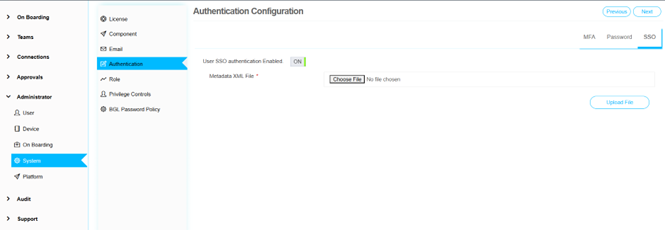
Authentication Policy Configuration
Navigation
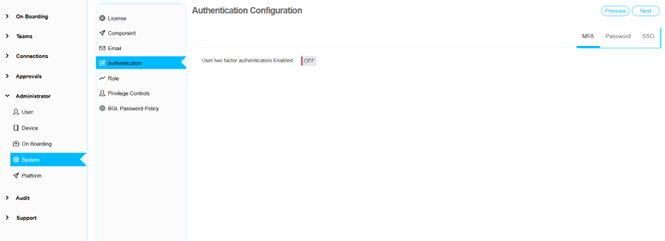
Administrator -> System -> Authentication
The administrator has the capability to set up various authentication policies to enhance the security of the application. These policies include options such as two-factor authentication (2FA) and Single Sign-On (SSO).
Two-Factor Authentication (2FA)
When 2FA is enabled, users will be required to register with Google Authenticator. This process involves: 1. Scanning a QR code provided by the application 2. Entering a code generated by the Google Authenticator app each time they log in
This additional layer of security ensures that only authorized users can access the application.
Single Sign-On (SSO)
To configure SSO: 1. Upload a metadata XML file provided by the SSO provider (such as OKTA or other similar services) 2. The file contains the necessary information to integrate the SSO service with the application 3. Users can authenticate using their existing credentials from the SSO provider