Role Management and Configuration
Navigation
Administrator -> System -> Role
Role Types
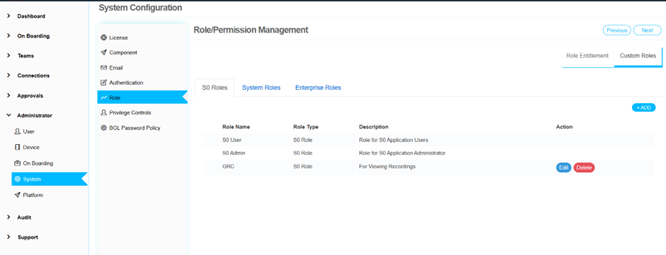
S0 Roles
There are two predefined S0 roles that are integral to the system's core functionality and cannot be edited. However, administrators have the flexibility to create additional roles as needed to meet specific requirements.
System Roles
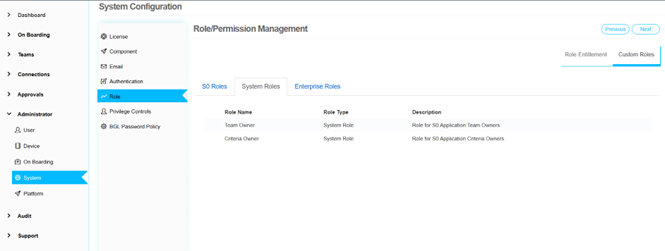
These roles are predefined within the application and are essential for its operation. Examples include: - "Team Owner" - "Criteria Owner"
These roles come with fixed permissions and cannot be modified.
Enterprise Roles
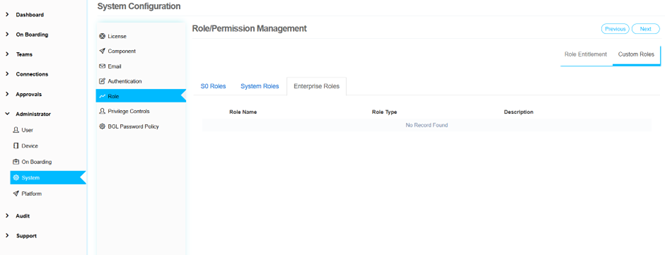
Administrators can create enterprise roles to be used at the organizational level. These roles can be tailored to fit the unique needs of the enterprise, providing a customizable approach to role management.
Role Entitlements
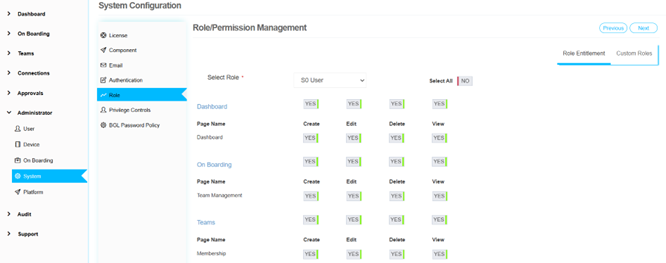
To assign permissions to custom roles, administrators should navigate to the Role Entitlement tab. This section allows for the detailed configuration of permissions, ensuring that each role has the appropriate access and capabilities as required by the organization.
← Previous: Authentication Policy | Next: Privilege Controls →