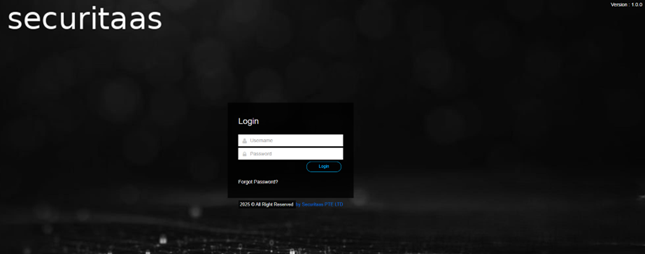
Login
The super admin will log into the application using the provided credentials (S0@admin@securitaas.com). Upon successful login, the super admin must configure the license details supplied by Securitaas. The application will prompt the super admin to upload the license file to proceed with the setup. This step is essential to activate the application and ensure it operates within the terms of the provided license.